September 30, 2026
Launch SMS Appointment Reminders in One Week for Small Businesses
Launch SMS appointment reminders in one week for small businesses. Calendar sync, two tested templates, compliant wording and an ROI pilot.

Launch SMS Appointment Reminders in One Week for Small Businesses
Automated SMS reminders, paired with calendar sync and one or two timed messages, are the single best lever for cutting no-shows. A pragmatic investigation found attendance jumped from 66.1% to 72.8% once reminders went live. Your next move: turn on reminders in your booking software, or connect your calendar to a messaging service today.
TL;DR:
- Sending a single SMS reminder 48 to 72 hours before an appointment can reduce no-shows by about 4 percentage points.
- A second reminder closer to the appointment time offers diminishing returns and should target high-risk or high-value bookings.
- Using simple, clear wording that states who, when, and how to cancel or reschedule can increase reply rates and effectiveness.
- Integrating reminders through native booking tools or connectors requires testing and consistent management of opt-outs and reply handling.
- For multi-site or agency settings, white-label platforms like Agent Release AI enable fast deployment of branded, multi-channel reminder systems.
Table of Contents
- How SMS and email reminders reduce no-shows: benefits and evidence
- What you need to integrate reminders with your calendar or booking system
- Timing and frequency: evidence-based reminder schedules
- Message wording and tested templates you can copy
- Confirmation and two-way flows: automating replies and rescheduling
- Compliance and privacy: staying lawful with reminders
- Costs and a simple ROI method for a pilot
- Implementation checklist: launch reminders in one week
- Why a white-label messaging platform suits resellers and agencies
- Agent Release AI: a direct solution for automated reminders and multi-channel messaging
- Sources
- FAQ
How SMS and email reminders reduce no-shows: benefits and evidence
The mechanism is simple: a well-timed text closes the gap between “I meant to come” and “I forgot.” The large-scale safety-net study backs this up directly, showing attendance rise from 66.1% to 72.8% and no-shows fall from 15.3% to 14.0% over 18 months, alongside a drop in cancellations too.
A pragmatic health-system study found no-show rates fell from 15.3% to 14.0% after SMS reminders were introduced across 47,390 invited patients.

Beyond attendance, the operational wins compound: fewer wasted slots, less time spent on manual phone confirmations, and a smoother booking experience for customers who simply reply or tap a link. Results vary by sector though. Clinics with complex scheduling see different gains than salons or trades with shorter booking windows, so treat the figures as a guide, not a guarantee.
What you need to integrate reminders with your calendar or booking system
Most small businesses have two integration routes: native reminders built into booking software, or a gateway and CRM connection that pulls from your calendar directly. Native tools are quicker to switch on but often limited in timing flexibility. A gateway route gives more control over wording, frequency, and reply handling.
- Check whether your booking platform (Calendly, Square Appointments, Cliniko, or similar) already has SMS reminders built in.
- If not, connect a messaging gateway to your calendar using standard field mapping, name, date, time, location, and cancellation link.
- Send a handful of test bookings to confirm delivery timing and correct field rendering.
- Set up reply handling so a “cancel” or “reschedule” response updates the calendar automatically.
- Confirm opt-out requests are honoured immediately and logged.
Get this working end to end before scaling to your full client list.
Timing and frequency: evidence-based reminder schedules
Timing matters as much as wording. A single reminder sent 48 to 72 hours out captures most of the benefit; a second, shorter message closer to the appointment recovers the stragglers.
- Send the first reminder 48 to 72 hours before the appointment for general bookings.
- Add a short follow-up 2 to 4 hours prior for higher-value or high-risk appointments.
- Use simple risk rules (repeat no-shows, new customers) to target the second message rather than sending it to everyone.
A randomised trial targeting reminders by risk found a second message reduced no-shows by a modest percentage in primary care and mental health settings. The marginal gain from a third reminder is usually smaller, so weigh the extra cost against diminishing returns.
Message wording and tested templates you can copy
Structure first: state who, when, where, and how to cancel. Then pick a persuasive frame that fits your audience.
- Standard structure: “Hi [Name], this confirms your appointment with [Business] on [Date] at [Time]. Reply CANCEL to free your slot.”
- Cost-framed: “Missing this appointment costs your business, and ours, real money. See you [Date] at [Time]. Reply CANCEL if you can’t make it.”
- Emotional/social frame: “We’ve saved your spot for [Date] at [Time]. Please let us know if plans change so someone else can be seen.”
A large A/B trial found an emotional guilt frame lowered no-shows notably compared with a standard reminder. Separately, two randomised trials found stating the specific cost of a missed appointment reduced missed appointments by a small but meaningful amount.
Pro Tip: Keep SMS under 160 characters to avoid multipart fees, and always end with a one-tap link or a one-word reply instruction.
Confirmation and two-way flows: automating replies and rescheduling
Two-way messaging turns reminders into a booking management tool, not just a nudge.
- Set up reply parsing so a “YES” confirms the booking and a “NO” triggers an automatic cancellation or reschedule offer.
- Map every action straight back to your calendar so staff never manually re-enter changes.
- Route ambiguous replies, anything that isn’t a clear yes, no, or reschedule request, to a staff member instead of auto-actioning it.
This keeps the system fast for simple cases and safe for the messy ones.
Compliance and privacy: staying lawful with reminders
Administrative reminders and marketing messages are treated differently, and mixing them up is the most common compliance mistake.
- Routine appointment reminders count as administrative, not marketing, but any commercial content added to them changes that status.
- The Spam Act requires consent, clear sender identification, and a working unsubscribe for commercial electronic messages.
- Capture opt-in consent at the point of booking, not after the fact.
- Keep promotional content out of appointment reminders entirely; save offers for a separate, properly consented channel.
- Keep records of consent and opt-outs in case you need to demonstrate compliance later.
Framing reminders strictly as clinical or administrative also keeps most health-sector businesses outside advertising rules that apply to marketing messages, according to practical guidance on patient recall texts.
Costs and a simple ROI method for a pilot
Reminder costs are usually just gateway fees per message plus a small amount of setup time. Staff time saved on manual phone confirmations is often the bigger win.
| Cost or benefit item | Example value |
|---|---|
| SMS gateway fee | Per-message cost, varies by provider |
| Staff time on manual confirmation calls | Reduced after automation |
| Program operating cost (18-month health system example) | $58,985.84 total |
| Attendance improvement in same study | 66.1% to 72.8% |
For a small clinic or salon, compare your average revenue per booked slot against the number of no-shows recovered during a pilot. Run the pilot for four to eight weeks and track attendance rate, reply rate, and opt-out rate as your core KPIs before deciding to scale.
Implementation checklist: launch reminders in one week
Getting live fast beats getting it perfect on day one.
- Choose your channel: native booking software reminders or a gateway connected to your calendar.
- Draft two message templates, one standard, one using a cost or emotional frame, and pick your timing (48 to 72 hours out, plus an optional short follow-up).
- Confirm consent capture is built into your booking flow.
- Test delivery, message rendering, and reply handling with a small batch of real bookings.
- Launch to your full list and monitor attendance, reply rate, and opt-outs weekly.
Pro Tip: Run your first week as a live test, not a launch. Fix rendering or reply issues before scaling to every client.
Why a white-label messaging platform suits resellers and agencies
Agencies managing several client calendars, or businesses running multiple sites, often outgrow single-account tools fast. A white-label platform with multi-channel support and fast deployment lets a reseller launch branded reminder systems for clients without building infrastructure from scratch, a practical option once you’re managing more than a handful of businesses.
— Agent
Agent Release AI: a direct solution for automated reminders and multi-channel messaging
If you’re already comparing gateways and calendar integrations, Agent Release AI gives you a faster route: a white-label platform for deploying AI agents across SMS, email, WhatsApp, iMessage, and more, all under your own brand, typically live in under a week.
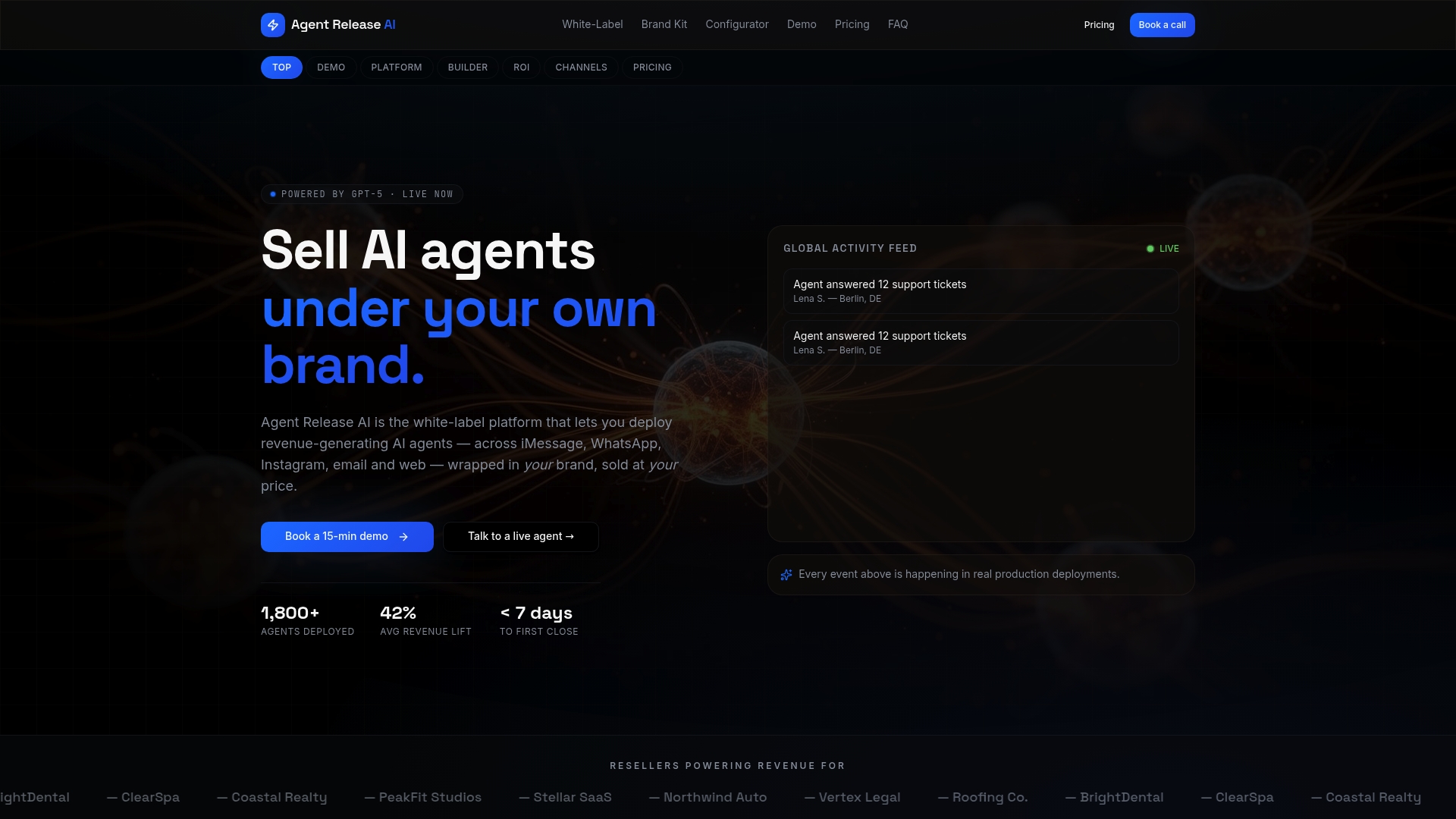
- Multi-channel messaging (SMS, email, WhatsApp, iMessage, web chat) from one platform.
- Server-side revenue tracking built in, which can be useful for agencies billing clients on results.
- Unlimited tenant creation, suited for managing multiple client accounts.
| Plan | Price | Best for |
|---|---|---|
| Agent Release AI | $497 per month | Businesses running reminders and multi-channel messaging in-house |
| White-Label Program | Price on request | Agencies and resellers branding the platform for clients |
Agencies wanting full white-label configuration and a brand kit generator can set up client-ready reminder systems without the build time. View pricing or explore the white-label program to see which fits your setup.
Sources
- It’s how you say it: Systematic A/B testing of digital messaging cut hospital no-show rates | PLOS One
- Direct Marketing and Patient Communications Policy Template | ClinicComply
FAQ
How can I set up text message reminders for appointments?
Connect your booking software’s native SMS feature, or link a messaging gateway to your calendar and map fields like name, date, and time. Test delivery and reply handling with a small batch before rolling it out to every client.
How do you write a reminder text for an appointment?
State who the message is from, the date and time, and how to cancel or reschedule, all in one short message. Testing shows that framing the cost of missing the appointment can reduce no-shows by about three percentage points compared with standard wording.
What are SMS reminders?
SMS reminders are automated text messages sent before a scheduled appointment to confirm the booking and reduce the chance a customer forgets to attend. They’re typically triggered by calendar or booking software and often include a reply or link option to cancel or reschedule.
Can you set a reminder on a text message?
Yes, most booking platforms let you schedule an SMS reminder to send automatically a set number of hours or days before an appointment. If your platform lacks this feature, a messaging gateway connected to your calendar can handle the scheduling instead.