October 4, 2026
Build or Buy WhatsApp AI Agents in Australia: Launch Fast
Dual-path playbook for Australian agencies and developers: build with n8n and Node.js or launch no-code via Meta Business Agent. Covers testing, APP 7...

Build or Buy WhatsApp AI Agents in Australia: Launch Fast
A WhatsApp AI agent is an LLM-driven assistant that holds context across a conversation, calls external tools and systems, and completes tasks inside WhatsApp rather than just answering questions, embodying the approach advocated by benchmarked to productise AI capabilities and bring agents to market. You have two practical paths to build one: the native Meta Business Agent for a fast, no-code launch, or a custom pipeline built with Node.js, a message bridge, and a workflow orchestrator. Choose native when you need speed and limited customisation; choose custom when you need deep integrations, multi-tenant control, or white-label branding.
TL;DR:
- Native Meta Business Agents enable rapid deployment without coding but offer limited customization compared to custom pipelines built with Node.js and APIs.
- WhatsApp AI agents leverage large language models with external tools and persistent memory, enhancing support automation, lead qualification, and cart recovery, with success measured by containment and escalation rates.
- Building with the Meta Business API or a device bridge depends on priorities like reliability, scalability, and compliance, with the Business API recommended for high-volume, regulated use.
- Integrating CRM, inventory, and payment systems directly into the agent ensures accurate, actionable responses and keeps sensitive data protected from model exposure.
- Resellers benefit from white-label platforms that enable multi-tenant management and faster launch timelines, without the need to develop complex infrastructure from scratch.
Table of Contents
- What a WhatsApp AI agent does differently from a chatbot
- Architecture and message flow patterns for WhatsApp AI agents
- Setup options: native Meta Business Agent vs custom pipeline
- Building a WhatsApp AI agent with n8n, Node.js and whatsapp-web.js
- Connecting your agent to CRM, catalogue and payment systems
- Training your agent: knowledge base, memory and tone
- Testing, staging and a production readiness checklist
- Privacy, compliance and direct marketing rules to follow
- How a white-label platform speeds up deployment for resellers
- What actually matters when you deploy one of these
- Launch a branded WhatsApp AI agent without building the stack
- FAQ
- Sources
What a WhatsApp AI agent does differently from a chatbot
Traditional chatbots follow decision trees: if the customer types X, show response Y. A WhatsApp AI agent works differently. It pairs a large language model with access to external tools, APIs, and persistent memory, which means it can look up an order status, check inventory, or book a calendar slot instead of just recognising keywords. Industry practitioners distinguish agents from chatbots on exactly this basis: agents combine LLMs with connectors to calendars, CRMs and commerce platforms, and they maintain context well enough to finish a task rather than loop through static menus.
That capability shift changes what you build for. Common deployments include:
- Support automation that resolves common questions without a human touching the thread.
- Sales and lead qualification that scores and routes prospects based on conversation signals.
- Cart recovery that re-engages customers who stall mid-purchase with a contextual nudge.
Success is measured differently to a chatbot too. The metrics that matter are containment rate (the share of conversations resolved without human escalation), response latency, and escalation rate when the agent hits its limits. Deployment guidance suggests agents perform best when they can query a concise, authoritative API for things like product availability, rather than relying on the model to guess.
Architecture and message flow patterns for WhatsApp AI agents
Every WhatsApp AI agent follows a similar pipeline, whichever path you choose: a message arrives through a webhook or device bridge, gets forwarded to a processing layer, hits an LLM for interpretation and response generation, and the reply routes back to the customer. The components differ depending on how you build it.
- Hosted Business API: Meta’s official API route, built for scale and reliability, with stricter onboarding and message-template rules.
- Device bridge (whatsapp-web.js): connects through a web session, faster to prototype but more fragile for high-volume production use.
- Native Meta Business Agent: a no-code layer inside the WhatsApp Business app that handles the entire pipeline for you.
The trade-offs come down to latency, throughput, reliability, and compliance overhead. A device bridge is quick to stand up but can disconnect under load or after WhatsApp session changes, which matters if you are running this for paying clients. The Business API costs more engineering time upfront but gives you predictable uptime and audit trails, which matters for regulated integrations like payments or healthcare bookings.
Pro Tip: Prototype on a device bridge to validate your conversation design, then migrate to the Business API before you take on your first paying client.
Setup options: native Meta Business Agent vs custom pipeline
Your choice here depends on timeline, in-house engineering capacity, and whether you plan to resell the agent under your own brand.
Meta Business Agent gives you a working agent without writing code. You import knowledge, teach example responses, and activate it directly inside the WhatsApp Business app. WhatsApp’s own documentation describes knowledge, personality, audience, and handoff controls that let you adjust what the agent knows and when it hands off to a human, though availability and feature rollout are staged by Meta and eligibility varies by market and language.
A custom pipeline trades setup speed for control. Building your own gives you:
- Full integration control over CRM, payments, and inventory systems.
- Custom security and telemetry suited to your own compliance requirements.
- White-label and multi-tenant capability, essential if you plan to resell agents under different client brands.
Run through this checklist before committing to a path:
- How fast do you need to launch: days or weeks?
- Do you need to resell this under multiple client brands?
- Does your use case require data residency or custom audit logging?
- Do you have engineering resources to maintain a custom pipeline long-term?
If reselling or deep customisation matters, a custom build, or a white-label platform built on one, is the stronger route.
Building a WhatsApp AI agent with n8n, Node.js and whatsapp-web.js
Here’s a working pipeline you can stand up for a proof of concept, using four components: a Node.js bot process, the whatsapp-web.js bridge library, n8n for workflow orchestration, and an LLM proxy such as OpenRouter to route requests to a model.
- Secure your WhatsApp session or Business API credentials. If using whatsapp-web.js, scan the QR code once and persist the session to disk so you are not re-authenticating on every restart. If using the Business API, store your access token in environment variables, never in code.
- Implement message ingestion. Your Node.js process listens for incoming messages through whatsapp-web.js and forwards each one, along with sender ID and timestamp, to an n8n webhook endpoint.
- Build the n8n workflow. This workflow receives the webhook payload, calls your LLM proxy with the conversation history and a system prompt, optionally queries a connector (CRM or inventory API), and returns a structured reply to the Node.js process for delivery.
- Handle media, quick replies, and human handoff. Route image or document uploads to a separate processing branch, and build a condition in your workflow that flags a conversation for human review when the model’s confidence is low or the customer explicitly asks for a person.
Containerise the whole stack with Docker so your Node.js process, session storage, and any local dependencies deploy consistently across environments, and keep API keys and tokens in environment variables or a secrets manager rather than in your repository.
Pro Tip: Log every LLM prompt and response pair during staging. It is the fastest way to catch a hallucinated answer before a customer does.
Connecting your agent to CRM, catalogue and payment systems
The integrations you wire up determine whether your agent answers generic questions or actually gets work done. The essential connectors most deployments need are:
- CRM lookup to pull customer history and personalise responses.
- Inventory or catalogue APIs so stock and pricing answers are accurate, not guessed.
- Payment hooks to generate invoices or checkout links inside the chat.
- Calendar and ticketing systems for booking and support-ticket creation.
The safest pattern keeps authoritative data behind your own APIs and returns only structured, minimal answers to the LLM, things like a stock flag or a canonical price string, rather than full customer records. This avoids sending personally identifiable information into the model’s context window and reduces the chance of a leaked data field appearing in a reply.
For knowledge-heavy use cases, a retrieval-augmented generation (RAG) pattern, where you index your documents and catalogues and retrieve only the relevant snippet per query, consistently produces more accurate answers than relying on the model’s training data alone.

Training your agent: knowledge base, memory and tone
What you feed the agent determines how useful it is on day one. Good training sources include past support chats, product and FAQ pages, catalogues, and PDFs such as policy documents or pricing sheets. WhatsApp’s own Help Centre documents how to add example responses and upload files directly, plus how to review or delete anything the agent has learned.
The most effective authoring technique is writing example-response pairs: a realistic customer question paired with the exact phrasing you want the agent to use. This anchors tone and prevents drift, especially when you are serving customers across different regions or languages.
On memory, decide deliberately what to persist and what to forget. Order history and preferences are usually worth keeping; sensitive details shared mid-conversation often are not. A privacy-aware default is to retain conversation summaries rather than full transcripts, and to purge raw message content on a defined schedule.

Pro Tip: Write your example responses in the same tone your human team already uses. Customers notice the mismatch faster than you expect.
Testing, staging and a production readiness checklist
Before launch, run the agent through a structured test process rather than trusting it live.
- Assemble a test bank of 25 to 50 conversations, mixing realistic questions with adversarial cases: off-topic requests, complaints, and pricing objections designed to probe guardrails.
- Set containment and latency targets before you measure anything, so you know what success looks like.
- Run the test bank in staging, score each response, and fix failure patterns before moving to production.
- Monitor continuously once live: sample a percentage of conversations daily, set automated alerts for repeated escalations, and schedule a human review cadence, weekly at minimum.
A practical target is a containment rate of 60 to 80% for common queries, with interactive response latency under two seconds where feasible. These benchmarks give you a concrete bar to clear before calling a deployment production-ready rather than relying on a gut feeling that “it seems fine.”
Privacy, compliance and direct marketing rules to follow
If your WhatsApp agent sends marketing messages, not just transactional replies, Australian privacy law applies directly. Under APP 7, organisations that use personal information for direct marketing must provide a simple way to opt out in every communication and must act on opt-out requests within a reasonable period, generally understood as within 30 days.
Build these controls in from the start:
- An unsubscribe mechanism in every marketing message, not just the first one.
- Consent capture at the point of signup, stored alongside a timestamp.
- Storage minimisation, keeping only what you need to run the service.
- A documented process for reporting the source of someone’s personal information if they ask.
Organisations should adopt APP 7 opt-out standards for direct marketing communications even where other legislation does not strictly apply, as a matter of best practice. OAIC, Chapter 7 guidance
Separately, Meta’s own materials describe private processing for Meta AI features, meaning some AI-generated responses are handled in a protected environment that Meta cannot read. That applies to Meta’s own AI features and does not substitute for your own compliance obligations when you are the one sending marketing messages.
How a white-label platform speeds up deployment for resellers
Building and maintaining a custom pipeline is a real commitment: tenancy, billing, telemetry, and brand controls all need reimplementing for every new client if you are an agency or reseller. A white-label platform like Agent Release AI handles that layer directly, offering unlimited tenant creation, server-side revenue tracking, and enterprise-grade security under your own brand rather than a vendor’s.
For agencies and consultants whose business model depends on reselling agents to multiple clients, this removes months of infrastructure work. The decision point is simple: build when you need a fully bespoke pipeline with no reseller ambitions, or choose a white-label platform when time-to-market and multi-tenant operations matter more than owning every line of the stack.
What actually matters when you deploy one of these
Start with one reliable task, the shortest path to a working outcome, before layering on new capabilities. Most failed deployments try to do everything on day one instead of proving a single workflow works end to end.
Design for human handoff from the start, and never pass raw personal information into the LLM’s context. Keep your adversarial test cases on hand permanently, and always have a rollback plan ready before you push a prompt or workflow change live.
— Agent
Launch a branded WhatsApp AI agent without building the stack
If you read through the architecture and integration sections above and would rather skip months of pipeline work, Agent Release AI gets a branded agent live in under a week. We built the platform specifically for agencies, consultants, and resellers who want multi-tenant control, server-side revenue tracking, and enterprise-grade security without touching Docker configs or webhook debugging.
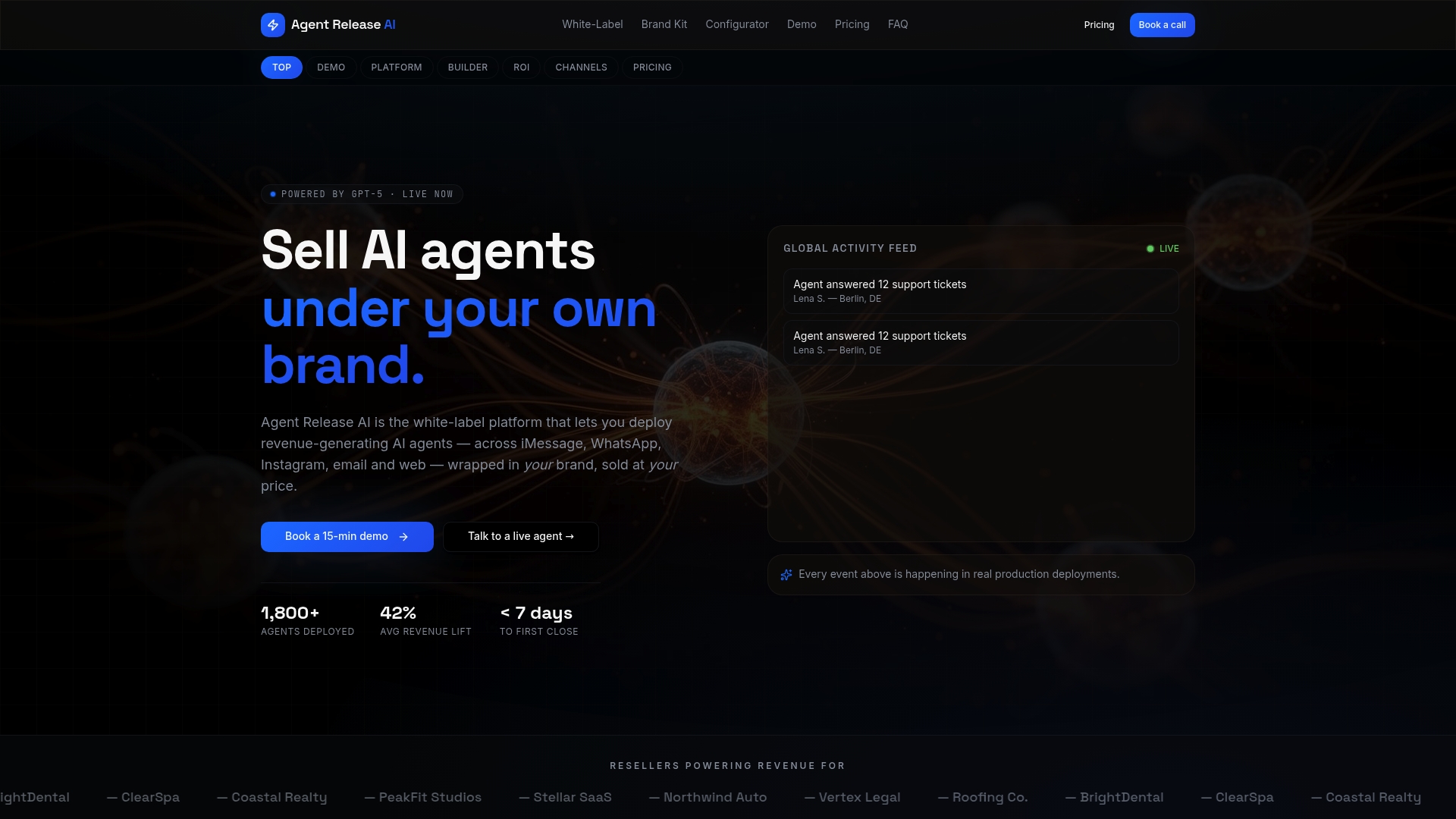
Unlimited agents and channels run on one flat monthly plan at $497, with no setup fees or per-message charges. For agencies planning to resell under client brands, our White-Label Program adds full domain and branding control on top. Check pricing or explore the white-label configurator to see how fast your first agent could go live.
FAQ
How to use AI agent in WhatsApp?
You can access a WhatsApp AI agent either by messaging a business that has activated one, where the agent responds automatically inside the normal chat thread, or by setting one up yourself through Meta Business Agent or a custom pipeline if you run a business.
How do you do AI on WhatsApp?
Businesses set up AI on WhatsApp through the no-code Meta Business Agent inside the WhatsApp Business app, or by building a custom pipeline with tools like Node.js, whatsapp-web.js, and n8n connected to an LLM. The right choice depends on whether you need basic automation or deep integrations and white-label control.
Can WhatsApp AI access my chats?
For Meta’s own AI features, WhatsApp describes private processing technology that allows certain AI features to work on personal messages without Meta or WhatsApp being able to read them. Third-party or custom-built AI agents only access the messages sent directly to them in that business conversation, not your other chats.
Is there a free WhatsApp AI agent available?
Meta Business Agent is a no-code option built into the WhatsApp Business app, though availability depends on your eligibility and region. Custom-built agents using open-source tools like whatsapp-web.js and n8n also avoid licensing fees, though you will still pay for LLM usage and hosting.
Sources
- Direct marketing | OAIC
- Meta AI in WhatsApp: Chat, Create & Get Things Done
- How to teach Meta Business Agent | WhatsApp Help Center
- Difference between chatbots and AI agents (industry practitioner perspective)