September 28, 2026
Under a week WhatsApp support automation pilot with Australian privacy
Launch a WhatsApp customer support automation pilot in under a week. Combine LLM intent detection, clear human handovers and Australian privacy controls...

Under a week WhatsApp support automation pilot with Australian privacy
The best approach is a WhatsApp Business Platform setup with an AI agent handling routine questions and a clear handover path to a human for anything complex. This combination gets you faster replies, round-the-clock coverage and containment of repetitive queries without losing the personal touch. Start small: pick one flow, one campaign or one high-volume query type, and pilot it before you scale.
TL;DR:
- Automation is most effective for high-volume, repeatable queries such as order updates, shipping, and FAQ handling, and can significantly reduce response times during peak periods.
- Integrating APIs, AI-driven conversation understanding, and full system connectivity is essential for a seamless WhatsApp automation setup that supports real-time data and personalized interactions.
- A successful pilot requires tight scope, system integration, internal testing, and ongoing measurement of KPIs like response time, containment rate, and customer satisfaction.
- Privacy controls, clear human handover triggers, and adherence to data retention policies are critical to ensure safe and compliant automation of customer conversations.
- Building or reselling through existing platforms like Agent Release AI can speed deployment; in-house development suits teams with dedicated engineers, but most benefit from ready-made solutions for faster rollout.
Table of Contents
- Where WhatsApp automation actually pays off
- How the pieces fit: API, AI agent, flows and your CRM
- Getting a pilot live: prerequisites and a five-step plan
- Human handover and privacy rules you can’t skip
- What separates a good rollout from a messy one
- How we think about this at Agent Release AI
- See it running on your own number
- Sources
- FAQ
Where WhatsApp automation actually pays off
Automation earns its keep where volume is high and the questions are repeatable. Order status, shipping updates, booking confirmations and FAQ handling are the classic starting points, and ad-to-WhatsApp lead capture is quickly becoming one too, since it turns a scroll-stopping ad directly into a conversation.
WhatsApp itself has flagged this shift: businesses that pair automation with human follow-up during peak periods have cut response times from several minutes down to under two, and seen measurable lifts in conversion during peak sales moments. That single change, from minutes to seconds of perceived wait, is often the difference between a sale and an abandoned chat.
Where the value shows up in practice:
- Faster first response, which keeps hot leads from cooling off mid-conversation.
- Lower cost per conversation, because bots absorb the repetitive volume.
- Higher agent productivity, since human agents only see escalated, higher-value threads.
- Better conversion on time-sensitive offers, particularly during sales campaigns.
Track average response time, containment rate (queries resolved without a human), conversion lift on automated flows and CSAT. These four numbers tell you fast whether the pilot is working or just moving the bottleneck.
How the pieces fit: API, AI agent, flows and your CRM
Automation on WhatsApp runs on the WhatsApp Business Platform, the API layer that lets a verified business number send and receive messages at scale, using templates for anything sent outside an active conversation window. WhatsApp’s own support documentation sets the core rule: businesses can reply freely within 24 hours of a customer-initiated message, but need a pre-approved template outside that window.
On top of that platform sits the AI agent, the layer actually doing the work. Its job is to detect intent, hold context across a conversation and know when to switch from free chat into a structured template. Two design paths exist here:
- Flow builders use fixed decision trees. They are predictable and easy to audit, but brittle when a customer phrases something unexpectedly.
- LLM-driven conversation understands intent more flexibly, but needs guardrails so it doesn’t wander into promises the business can’t keep.
Most working setups blend both: an LLM handles understanding and tone, with a small set of deterministic fallbacks (templates, menus) for anything sensitive or transactional.
None of this works in isolation. Integration points matter as much as the AI itself: a CRM so agents see full history, an order-management connection for real-time status, analytics for the KPIs above and webhooks so the bot can trigger actions instead of just talking. WhatsApp’s service message categories exist specifically for this kind of structured, post-purchase communication.
Getting a pilot live: prerequisites and a five-step plan
Before touching automation, confirm the basics: a verified WhatsApp Business Account and phone number, and any message templates registered and approved if your flow needs to reach customers outside the 24-hour window. Then decide your access route: apply directly for API access, or go through a Meta-approved business messaging partner, which is faster for most teams without in-house integration engineers.
From there, a pilot runs in five steps; see the detailed WhatsApp automation features and vendor capabilities to choose the right tools for your setup.
- Scope it tightly. One flow, one query type or one campaign, not a full rollout.
- Design the conversation flow, including exactly where it hands off to a human.
- Connect the systems it needs: CRM, order data, booking calendar or whatever the use case demands.
- Test internally, then soft-launch with a limited group of real customers.
- Measure and iterate against the KPIs you set in the scoping stage.
You’ll need four roles covering this, even in a small team: a support lead who owns the customer experience, a developer or integration resource, someone accountable for privacy decisions, and a reporting owner tracking the numbers.
Pro Tip: Run the internal test for two weeks and the soft launch for four to six weeks. That’s usually enough time to surface the escalation triggers and content gaps you missed on paper.
Human handover and privacy rules you can’t skip
Automation should never be the last word on anything that touches safety, a complaint, or a high-value transaction. Set explicit triggers, defined by keyword, sentiment or transaction size, that force an immediate handover to a person, and tell customers plainly when they’re talking to an AI agent, with a simple way to ask for a human instead.

Privacy is not optional detail work here. The OAIC’s guidance on generative AI is clear that reusing customer conversations to train or improve a model is generally a separate purpose from the original interaction. Unless that reuse clearly sits within what a customer would reasonably expect, you need consent or de-identification, plus a notice explaining what’s happening.
Operational controls that matter in practice:
- A retention policy that limits how long chat logs and personal information sit in the system.
- Access controls so only the right people see customer conversations.
- Vendor contracts that spell out how a provider handles, stores and (if relevant) trains on customer data.
- A privacy impact assessment for any deployment touching sensitive categories or high transaction volumes.
WhatsApp’s own scale, more than 3 billion users globally, is exactly why this matters. A channel that big means privacy missteps get seen by a lot of people, fast.
What separates a good rollout from a messy one
Design for containment, not control. A lightweight escalation path beats a rigid decision tree every time, because customers rarely phrase things the way your flowchart expects. Let the AI understand intent broadly, and reserve strict, deterministic steps for the handful of moments where precision genuinely matters, like payment or account changes.
Practices worth building in from day one:
- Map content regularly. Review what customers are actually asking and retrain the agent against real gaps, not assumptions.
- Sample conversations weekly. Catch hallucinations or wrong answers before they become a pattern.
- Plan for peaks. Seasonal spikes and campaign launches need capacity rules and fallback templates ready in advance, not improvised on the day.
- Watch the handover rate. A rising number of escalations often signals the bot’s scope has quietly outgrown what it was built for.
WhatsApp’s guidance on sales during peak moments makes a similar point: a consultative, in-thread experience during high-traffic periods converts better than a generic broadcast, but only if the flows and staffing were prepared beforehand.
Pro Tip: If your containment rate climbs but CSAT drops at the same time, the bot is probably closing conversations too early instead of actually resolving them.
How we think about this at Agent Release AI
We built a platform around the same principle: automate the repeatable, hand off the rest. The platform lets agencies and resellers launch branded AI agents across WhatsApp and other channels under their own name, with multi-tenant support so one team can run separate configurations for every client without cross-contamination.
That structure maps directly onto the pilot model above. Deployment can typically take under a week, which means you can scope a single flow, connect it and be measuring real conversations well inside a normal sprint cycle.
— Agent
See it running on your own number
If you’d rather configure a pilot than build one from scratch, Agent Release AI gives you a working WhatsApp agent without the integration overhead described earlier. It’s built for agencies, consultants and resellers who want to launch under their own brand rather than someone else’s.
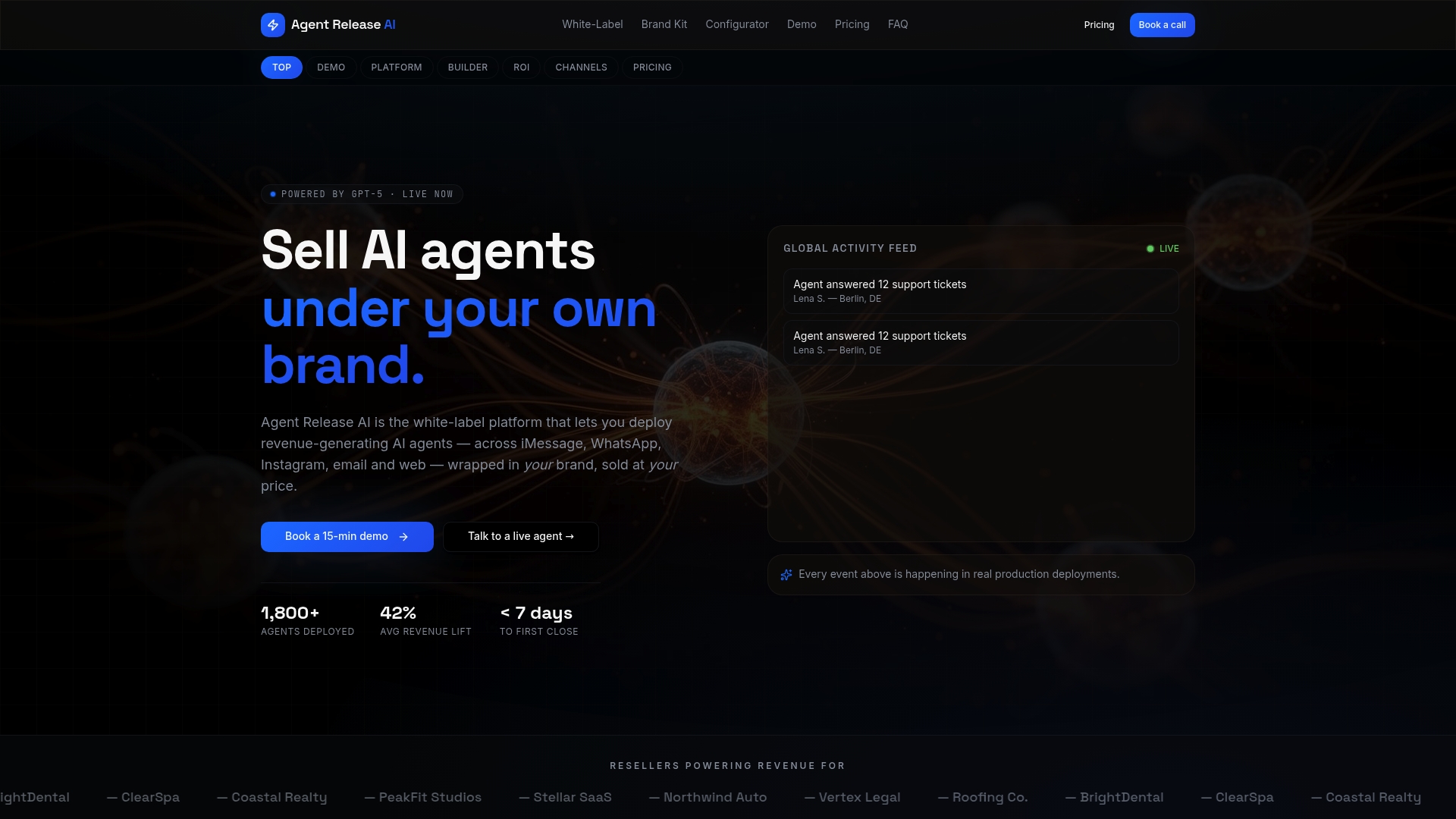
- The platform runs at a flat $497 per month with unlimited agents and channels, no setup or per-message fees, listed on the Agent Release AI pricing page.
- Agencies wanting to resell under multiple client brands can look at the White-Label Program for full branding and domain control.
- If you’d rather build the stack in-house, the steps above still apply, they just take longer and need dedicated engineering time.
Building in-house makes sense if you already have integration engineers on staff and want full control over the model. For most agencies and consultants, configuring an existing platform gets a pilot live faster. Check current pricing and plans to see where it fits your budget.
Sources
- Consultative Sales at Scale: Optimizing Your WhatsApp Strategy During Peak Sales Moments | WhatsApp for Business
- Guidance on privacy and developing and training generative AI models | OAIC
- WhatsApp now has more than 3 billion users — TechCrunch
FAQ
Can I do WhatsApp automation?
Yes, using the WhatsApp Business Platform (API) combined with an AI agent or flow builder, either built in-house or through a business messaging partner. Most businesses start with one automated flow, such as order updates or FAQs, before expanding scope.
What is the WhatsApp CRM tool?
There is no single official “WhatsApp CRM tool”; instead, businesses connect their existing CRM to the WhatsApp Business Platform via API or a messaging partner so conversations, orders and customer history sync automatically. The right setup depends on which CRM and messaging partner you already use.
Can I set up automated WhatsApp messages for my business for free?
WhatsApp itself doesn’t charge for the platform access, but sending messages outside the 24-hour reply window generally requires approved templates, and most automation tools or partners charge for the AI agent, integration or hosting layer. A fully free setup usually means limited features and no dedicated support.
Can I do automated messages on WhatsApp?
Yes, WhatsApp allows automated service messages and free-form replies within 24 hours of a customer-initiated conversation, with templates required outside that window. Businesses typically pair this with an AI agent to handle routine queries and escalate complex ones to a human.