October 9, 2026
Messenger Automation: Launch a Small Business Flow in a Day
Launch a Messenger flow in a day to capture leads, answer common questions, and hand off complex chats, with Australian privacy and marketing rules in mind.

Messenger Automation: Launch a Small Business Flow in a Day
Yes, you can automate Messenger to capture leads and handle common enquiries. Start by building a short welcome flow that captures contact details and routes to a human when needed. This single automation, built with no-code tools, typically cuts manual replies and starts filling your lead list within days.
TL;DR:
- Keep the welcome message under 25 words, offer two or three quick replies, and capture contact details directly in your CRM or connected spreadsheet.
- Route direct requests, repeated confusion, and questions about pricing exceptions, refunds, or sensitive topics to a human instead of relying on automation.
- Track messages received, leads captured, and handover rate for the first seven days, then change one flow element at a time and compare results.
- For Australian marketing, offer a free, single tap opt out, stop messages within a reasonable period, and record requests alongside lead details.
- One analysis found that message frequency drove 45% of customers to opt out; stop the sequence after two unanswered automated messages.
Table of Contents
- What messenger automation is and how it helps small teams
- Quick start: step-by-step to launch your first Messenger automation
- High-impact use cases and ready-to-copy flow patterns
- Conversation design and best practices to avoid over-messaging
- Integrations and tooling patterns: choose the right connection approach
- AI and advanced features: practical uses and safe guardrails
- Compliance and privacy essentials: Meta rules and direct marketing requirements
- Troubleshooting and optimisation: quick fixes and a test plan
- How Agent Release AI accelerates delivery: white-label agents as an implementation route
- Author perspective: the recommended first three automation priorities
- A short, honest option: consider a white-label, fast-deploy agent
- FAQ
- Sources
What messenger automation is and how it helps small teams
Messenger automation means setting up rules, menus and AI-assisted replies that respond to customers on Facebook Messenger without someone typing every message by hand. It typically covers welcome greetings, quick-reply menus, lead-capture forms, booking confirmations and handover to a real person when the conversation gets complicated.
For a small team, the payoff is speed. A customer who messages your Page at 9pm gets an instant acknowledgement instead of waiting until business hours. That alone keeps people engaged long enough to leave their details or ask a specific question.
Messenger automation works best as one piece of a broader stack, not a replacement for it: explore common use cases for messaging platforms to understand how transactional and marketing messages fit together.
- Speed: instant first response, even outside business hours.
- Lead capture: contact details collected before a human ever joins the chat.
- Consistency: every customer gets the same accurate starting information.
- Lower manual load: your team only steps in for complex or high-value conversations.
Email still carries longer-form content and receipts, SMS handles urgent reminders, and web chat captures visitors browsing your site. Messenger sits in between: conversational, fast, and well suited to the back-and-forth of enquiries and bookings.
Quick start: step-by-step to launch your first Messenger automation
You don’t need a developer to get a working automation live. Follow this order and you’ll have something publishing within a day.
- Confirm access and set one goal. Make sure you’re an admin on the Facebook Page and connected Meta Business Suite account, then decide whether this first flow exists to capture leads, answer FAQs, or both. Trying to solve everything at once is the most common reason first automations stall.
- Write a short welcome message. Two or three sentences that confirm you’ve received the message, set a response-time expectation, and offer a quick-reply menu (“Get a quote”, “Check order status”, “Talk to a person”).
- Add a lead-capture block. Ask for name, email or phone, and the reason for contact, then map those fields directly to your CRM or a connected spreadsheet so nothing sits stranded in Messenger’s inbox.
- Set a human handover rule. Define a trigger, such as the word “agent” or three unanswered questions in a row, that pulls the conversation into your team’s inbox instead of looping the customer.
- Build two or three FAQ quick replies. Pick your three most common questions (hours, pricing, location) and give each a one-tap button with a direct answer.
- Test with a real phone. Send yourself every path through the flow, check that lead data lands where expected, and fix any dead ends before you publish.
- Publish and watch week-one numbers. Track messages received, leads captured, and handover rate for the first seven days, then adjust the weakest step.
Connector platforms make steps 3 and 4 far easier than custom development. Nine practical automation patterns include auto-replies, routing messages to team tools, and logging conversations straight to a CRM or spreadsheet, which gives a small team a working setup without writing code.
Pro Tip: Keep your welcome message under 25 words. Longer greetings get skimmed, and the quick-reply buttons do the real work of guiding the conversation.

If you want a deeper look at writing the actual message flow, our guide on conversation design for chatbots walks through tone, pacing and button structure in more detail.
High-impact use cases and ready-to-copy flow patterns
Once your first flow is live, these four patterns cover most of what a small business needs from Messenger.
- Lead capture from ads and posts: ask for name, contact method and one qualifying question (budget, timeline or product interest), then trigger an immediate follow-up message within minutes while intent is highest.
- Booking and appointment confirmations: confirm the date and time in the first reply, send a reminder 24 hours out, and offer a one-tap reschedule link instead of making the customer type a new message.
- Support triage and handover: use quick replies to sort enquiries into categories (billing, technical, general), resolve the simple ones with saved answers, and hand everything else to a team member with the conversation history attached.
- Order and shipment confirmations: send a status update the moment an order ships, including a tracking link, so customers stop messaging to ask “where’s my order?”
Each of these patterns works because it answers one specific question fast rather than trying to hold a general conversation. A booking confirmation doesn’t need a menu of five options. It needs a date, a time, and a clear next step.
Connector workflows can forward Messenger messages to email, Slack or ticketing systems, which matters most for the support triage pattern: your team sees new enquiries in the tool they already check, rather than needing to monitor Messenger separately all day.
Conversation design and best practices to avoid over-messaging
Good Messenger automation reads like a helpful person, not a script. A few design rules keep it that way.
- One action per message: every message should ask for or offer exactly one thing, whether that’s a quick reply, a form field or a confirmation.
- Keep it short: two to three sentences maximum before a button or prompt appears.
- Space out follow-ups: build wait steps between messages so customers aren’t hit with three notifications in ten minutes.
- Personalise with what you know: use the customer’s name and reference their stated interest, but don’t fabricate familiarity you don’t have.
- Define handover triggers clearly: specific keywords, repeated confusion, or a direct request for a human should always route to your team, with the full message history logged for context.
Message fatigue is a real cost of getting this wrong. Over-messaging is a leading cause of unsubscribes, with frequency cited as the reason behind 45% of opt-outs in one analysis. Building frequency caps and sentiment checks into your flow protects the channel long-term rather than burning through it for short-term reach.
Pro Tip: If a customer hasn’t responded to two consecutive automated messages, stop the sequence and wait for them to re-engage rather than sending a third.
Integrations and tooling patterns: choose the right connection approach
How you connect Messenger to the rest of your stack depends on your team’s size and how much you need leads to move automatically.
- Direct CRM sync suits teams that already run a CRM and want leads to appear there instantly, with no manual export step.
- Webhook logging suits teams that want full control over where data lands, often paired with a spreadsheet or internal database.
- Connector workflows (Zapier-style) suit smaller teams that need routing and logging working within minutes rather than after a development sprint.
- Full platform inboxes suit teams managing multiple channels (Messenger, Instagram, SMS, web chat) who need one shared view for the whole team.
Whichever approach you choose, field mapping and deduplication deserve real attention. A lead captured twice from the same person, or a phone number mapped to the wrong field, quietly breaks follow-up accuracy.
Before connecting any vendor to your customer data, ask about encryption in transit and at rest, audit logging, and data retention controls. These basics separate a reliable integration from one that creates a compliance headache later.
AI and advanced features: practical uses and safe guardrails
AI adds real value to Messenger automation when it handles the repetitive parts and leaves judgment calls to a person.
- Reply drafting: AI suggests a response your team reviews and sends, rather than sending unsupervised.
- Intent classification: AI sorts incoming messages into categories (sales, support, complaint) so routing happens instantly.
- Conversation summarisation: AI condenses a long thread into a two-line summary before handover, saving your team from re-reading the whole exchange.
Marketing automation works best when it triggers from real customer behaviour rather than fixed schedules, and AI-assisted classification is what makes that kind of behaviour-based triggering practical at small-business scale.
Keep a human reviewing anything touching pricing exceptions, refunds, medical, legal or financial questions. Generative AI drafting a reply is useful; generative AI sending that reply unsupervised on a regulated or sensitive topic is a risk not worth taking.
Compliance and privacy essentials: Meta rules and direct marketing requirements
Before you scale any automation, check it against two layers of rules: Meta’s platform policies and the direct marketing laws covering your customers.
Meta’s messaging policies govern what your Page can automate and how quickly you must respond within the standard messaging window, so review current platform guidelines before building flows that send marketing content.
For Australian businesses, APP 7 requires a simple, free opt-out for direct marketing and requires that marketing stop within a reasonable period once someone opts out. The Spam Act adds further requirements around consent and identification for commercial electronic messages.
A short compliance checklist covers the essentials:
- Include a clear, one-tap opt-out in every marketing sequence.
- Disclose where you sourced someone’s contact details if they ask.
- Stop all marketing sends within a reasonable period of an opt-out request.
- Log opt-outs in the same system as your leads, not a separate spreadsheet.
OAIC guidance confirms that APP 7 compliance isn’t optional for any business using personal information for direct marketing, regardless of size.
Troubleshooting and optimisation: quick fixes and a test plan
Most Messenger automation problems trace back to one of three causes.
- Low engagement: check your welcome message length and button wording first. Shorter, clearer options usually lift response rates faster than redesigning the whole flow.
- Missing leads: verify your webhook is firing and that CRM field mapping matches exactly. A single mismatched field name can silently drop every submission.
- Messages blocked or delayed: confirm you’re inside Meta’s messaging window and haven’t triggered a policy flag from excessive outbound volume.
Once the basics work, run a small test: change one variable at a time, such as the welcome message wording or the handover trigger phrase, and compare lead-capture rate over a week before changing anything else.
How Agent Release AI accelerates delivery: white-label agents as an implementation route
For agencies and resellers building Messenger automation across multiple client Pages, a white-label platform solves a different problem than a DIY builder: branding, speed and repeatability at scale.
A white-label platform gives you:
- Multi-channel deployment across Messenger, WhatsApp, Instagram DMs, SMS, email and web chat under your own brand.
- Server-side revenue tracking, so attribution stays accurate as you add clients.
- Unlimited tenant creation, letting you onboard new clients without separate infrastructure for each.
- Deployment typically under a week, compared with weeks of custom build time per client.
If you’re weighing a white-label platform against building each client’s bot from scratch, our comparison on small business chatbots: SaaS, custom or white label breaks down the trade-offs by scenario.
Author perspective: the recommended first three automation priorities
Build in this order: welcome plus lead capture first, because it pays for itself fastest. Bookings and confirmations second, since they cut repetitive admin. Support triage and handover third, once you understand which questions your automation actually handles well.
— Agent
A short, honest option: consider a white-label, fast-deploy agent
If you’re an agency or reseller rather than a single business, building and maintaining a separate Messenger bot per client gets expensive fast. We built Agent Release AI so you can launch branded, multi-tenant agents across channels in under a week, with server-side revenue tracking built in rather than bolted on.
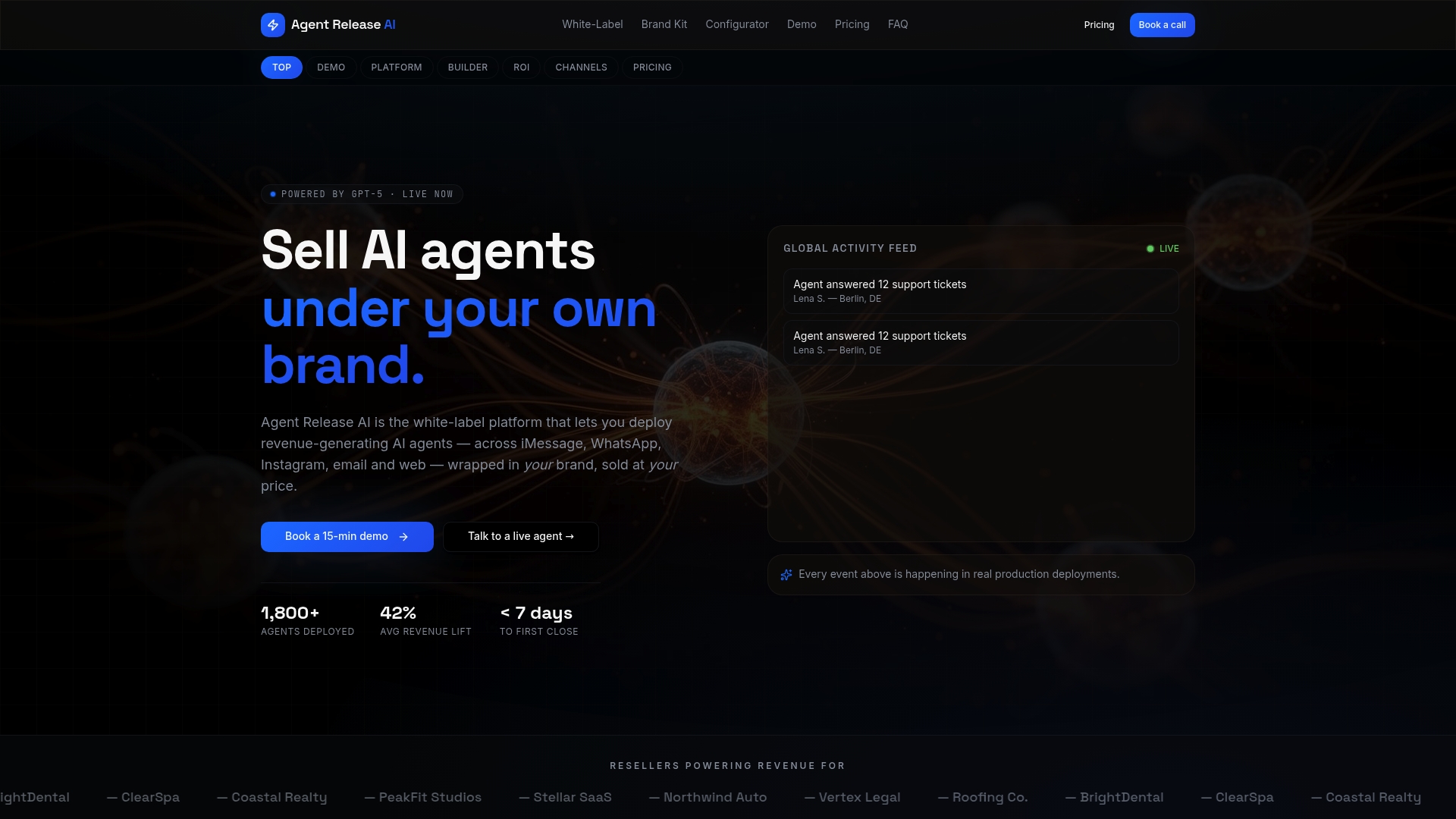
If that fits where you’re headed, compare Agent Release AI pricing against your current build cost, or check the White-Label Program for reseller terms.
FAQ
How does Facebook automation work?
Facebook Messenger automation uses pre-built rules, quick-reply menus and AI-assisted responses to reply to customers without manual typing for every message. Platforms connect to your Page through Meta’s messaging tools, then route conversations based on keywords, button clicks or customer intent, with common patterns including auto-replies, routing and CRM logging.
How to fix automated messages on Messenger?
Start by checking your welcome message and quick-reply wording, since unclear options are the most common cause of low engagement. If leads or replies aren’t appearing where expected, verify your webhook connection and confirm your CRM field mapping matches exactly, since a single mismatched field can silently block data from landing.
How to start earning in Messenger bot?
Messenger automation earns revenue indirectly, through faster lead capture, fewer missed enquiries and quicker booking confirmations rather than a built-in payment feature. Agencies and resellers can also build a revenue stream by deploying branded automation for clients, which is the model a platform like Agent Release AI is built around at $497 a month.
How to set up an automated message on Facebook Messenger?
Confirm you’re an admin on the connected Page, then build a short welcome message with a quick-reply menu covering your most common enquiries. Add a lead-capture block mapped to your CRM, set a human handover trigger, and test the full flow before publishing.
Sources
- Chapter 7: APP 7 direct marketing | OAIC
- 9 ways to automate Facebook Messenger
- Build an AI campaign orchestrator with Amazon Bedrock and AWS End User Messaging
- Marketing automation strategies | Braze