October 14, 2026
Website Chatbots for Australian Agencies: Integration Beats Interface
Build a website chatbot around visitor needs, approved data, and system integrations. Get advice on design, testing, security, and Australian privacy.

Website Chatbots for Australian Agencies: Integration Beats Interface
Start with a scoped, site-specific chatbot that answers from your own data through retrieval (RAG) or targeted lookups, and put the answer first in every reply. You get useful results quickly, and the data work stays manageable. Your next steps are simple: define the job the bot must do, then prototype it on a high-value page before you widen scope.
TL;DR:
- Choose one unsolved visitor problem and one primary outcome, such as qualified leads from compatibility checks; skip questions a single FAQ already answers.
- Use retrieval for changing documentation, scripted flows for bounded tasks, and bots that take actions only when visitors need live orders checked or bookings changed.
- Connect the bot to current systems of record, keep credentials server side, restrict access to verified users, and provide a human fallback when integrations fail.
- Disclose AI in the opening message, update privacy notices, keep sensitive details out of open chat, and test keyboard and screen reader access before launch.
- Launch on one high friction page, compare a primary metric with its baseline, and review handoff transcripts weekly before expanding to more traffic.
Table of Contents
- When does a website chatbot actually help your visitors?
- Which type of website chatbot should you build?
- What do the best chatbot conversations look like?
- How should you connect a chatbot to your data and systems?
- How do you handle privacy, disclosure and accessibility?
- What is the build and deploy checklist for a first chatbot?
- How do you test, measure and improve a chatbot over time?
- How do you keep your brand voice consistent in a chatbot?
- What security practices should you follow when deploying a chatbot?
- How do you run a chatbot across several channels without it drifting?
- Practitioner perspective: integration beats interface in production
- A white-label route for agencies and resellers
- FAQ
- Sources
When does a website chatbot actually help your visitors?
A chatbot earns its place where visitors have problems your existing site features do not solve. Nielsen Norman Group recommends starting with unsolved user problems rather than business goals, because visitors ignore bots that duplicate what the site already does. Begin there, then match the bot to a job.
The use cases that tend to justify the build:
- Complex decision support: helping someone compare options when filters and menus fall short.
- Lead qualification: asking two or three sensible questions and passing a warm lead to your team.
- Product clarification: answering “will this work with my setup?” from specs, manuals and compatibility notes.
- Policy and legal explanations: turning dense returns, warranty or terms pages into a plain answer with a link to the source.
- Knowledge-base summarisation: condensing long help articles into the part that matches the question asked.
Some jobs are better left alone. If a visitor can find the answer faster through site search, a simple filter or a single FAQ page, a chatbot adds a slower step. Opening hours, order tracking links and “where is the contact page” are rarely worth a conversation.
Decide what success looks like before you write a line of configuration. Track outcomes such as deflection (questions resolved without a human), conversion lift on the pages where the bot lives, and satisfaction scores from visitors who used it. Pick one primary outcome per pilot. A bot built to “do everything” cannot be measured, and a bot that cannot be measured cannot be defended when budgets tighten.
Write the job as one sentence you could hand a new team member: “This bot helps trade buyers confirm product compatibility before they request a quote.” If you cannot finish that sentence, you are not ready to build. We cover how to prove the return in more depth in our piece on chatbot performance metrics that prove ROI.
Which type of website chatbot should you build?
Several patterns cover almost every site. Knowing the difference saves you from buying a heavy solution for a light problem, or the reverse.
- Rule-based: scripted flows with buttons and fixed branches. Best for tightly bounded tasks such as booking a callback or choosing a plan, where predictability matters more than flexibility.
- Retrieval-augmented (RAG): the bot searches your approved content, then writes an answer grounded in what it found. Best for sites with a lot of documentation, product detail or policy text that changes over time.
- Agent-style: the bot can take actions, such as checking an order, updating a booking or creating a ticket, by calling your systems. Best when the visitor’s real goal is to get something done, not just to learn something.
- Hybrid: rules for the predictable steps, retrieval for open questions, and actions for the final step. Best for mature sites with several distinct visitor jobs.
The trade-offs are practical. Rule-based bots give you full control and low cost, but they break the moment a visitor phrases something unexpectedly, and every new question means another branch to maintain. RAG covers far more ground with less scripting, but answer quality depends on how clean your source content is, and responses take longer than a button click. Agent-style bots feel the most capable, yet they carry the highest engineering and security load because they touch live systems. Hybrids give you the best coverage and the most moving parts.
For most sites, our default recommendation is scoped RAG with a clear boundary and a short list of curated knowledge sources. “Scoped” is the important word: tell the bot what it covers, what it does not, and what it should do when a question falls outside. That single decision does more for trust than any model upgrade. Training a bot on your own FAQs is also usually better done through retrieval than retraining a model, a point we unpack in why RAG beats fine-tuning for FAQ training.
If your site sells online, it also helps to see how different bot types map to shop scenarios. This rundown of chatbot types for Australian ecommerce stores gives useful retail examples. Microsoft’s guidance on creating a chatbot makes a similar point: plan first, match the bot to the task, and treat the technical choices that affect performance and scale as early decisions rather than afterthoughts.
Choose the lightest pattern that does the job. You can always graduate a rule-based pilot to a hybrid later. Going the other way, from an over-built agent back to something simple, is a much harder conversation with your stakeholders.
What do the best chatbot conversations look like?
Good conversation design is mostly about restraint. Nielsen Norman Group’s research found that users want site chatbots to get to the point: give the essential answer first, then offer optional detail. This is the truncated pyramid. Lead with the answer, add any key conditions, and let buttons offer visitors more detail.
Apply that across the whole experience:
- Lead with the answer. “Yes, it ships to all states” beats a friendly paragraph that circles before it commits.
- Use progressive disclosure. Offer buttons such as “See delivery costs” or “Compare plans” instead of dumping every detail into one reply.
- Offer suggested prompts as buttons. Visitors rarely know what a bot can do. Two or three tappable starters remove the blank-box problem and steer people toward the jobs the bot handles well.
- Tailor the opening message to the page. A bot on a pricing page should open with pricing questions, not a generic “How can I help?”
- Cut the flourishes. Long greetings, repeated apologies and chatty sign-offs slow people down.
- Include images and share or save options where helpful. A product photo, a diagram or a “copy this answer” action turns a reply into something visitors can use later.
- Let people resize the window and avoid autoscroll that jumps. Forcing the view to the bottom while someone is still reading the previous message is disorienting.
- Plan the handoff. Make it easy to reach a human, pass along the conversation so nobody repeats themselves, and say when the team is available.
Nielsen Norman Group’s framework for site-specific chatbots names five qualities worth designing for: willingness to hand off, flexibility, proactivity, emotional responsiveness and transparency. Handoff and transparency do the most to build trust. If the bot cannot help, it should say so plainly and route the visitor onward, not loop through rephrased guesses.
Be careful with proactivity. A bot that pops open on every page and pushes a sale reads as an interruption. Treat the chatbot as a helper first. If it behaves like a hard-selling channel, visitors close it and rarely open it again.
Pro Tip: Write your most common questions as concise final answers first, then build the bot to match that standard. If a human editor would cut a sentence, the bot should not say it.
For a practical walkthrough of turning these rules into flows, our guide to conversation design for practitioners covers the mechanics step by step.
How should you connect a chatbot to your data and systems?
Most chatbot projects succeed or fail on integration, not wording. A bot that cannot see current prices, stock levels or order status will give confident, wrong answers. Connect authoritative data sources before you spend time polishing prompts.
The sources that usually matter most are your CRM, inventory or catalogue, order system and support ticket history. Pull from the system of record, not from a copy someone exported last quarter. For documentation-style content, build a retrieval pipeline that re-indexes whenever pages change, so the bot never quotes a policy you retired.
The architecture pieces to get right:
- A conversation manager. Long histories bloat the context window, slow responses and raise cost. Trim old turns, or summarise them into a short running note, so the bot keeps the thread without carrying every message.
- Server-side processing. Keep API keys, database credentials and business logic on your server. A key placed in browser code is a key anyone can copy.
- Webhooks for events. Use them to create tickets, notify staff, update a CRM record or confirm a booking, so the chat triggers real work instead of ending as a transcript.
- Clear permissions. Give the bot read access to what it needs and nothing more. If it can only look up an order, it cannot accidentally change one.
- Fallback behaviour. When an integration times out, the bot should say it cannot check right now and offer a human, not invent an answer.
A few pitfalls turn up again and again. Stale data is the first: the bot answers from a cached price list or an old policy, and trust drops fast. Context bloat is the second: responses get slower and stranger as conversations grow. Data leakage is the third: the bot reveals information from one customer’s record to another, or quotes internal notes meant for staff. Mitigate them with scheduled re-indexing, history trimming, and strict checks that tie every lookup to the verified identity of the person asking.
Security deserves its own attention, and we return to it below. If you want the engineering detail on leaks and prompt injection, see our write-up on AI chatbot security for engineers.
Where your chatbot hands conversations to email, an inbox built for agents can simplify the plumbing. This overview of AI agent email infrastructure for developers shows how mailboxes, routing and webhooks can sit behind an agent workflow.
How do you handle privacy, disclosure and accessibility?
Treat these as launch requirements, not polish. They protect your visitors, and they protect you.
On privacy, the Office of the Australian Information Commissioner advises that organisations should clearly identify public-facing AI tools such as chatbots as AI and update their privacy notices. It also warns against entering sensitive personal information into publicly available AI chatbots, and says any personal information you do collect through a chatbot must meet your obligations under the Australian Privacy Principles. In practice, design the bot so it does not ask for health details, government identifiers or financial account numbers in open chat. Where you genuinely need personal information, move that step to a proper form with a collection notice.
OAIC guidance: public-facing AI tools should be clearly identified as AI, with privacy notices updated before deployment.
Put that disclosure where visitors will see it. Practical steps:
- Say it is AI in the opening message, along with what it can and cannot help with.
- Link to a short privacy summary from the chat window, written in plain language.
- Update your privacy policy before launch, covering what the bot collects, where it is processed and how long transcripts are kept.
- Discourage sensitive input with a one-line prompt and route those needs to a secure channel.
On accessibility, W3C research on chatbots points to challenges that standard page patterns do not cover. Their accessibility playbook insights recommend predictable keyboard focus, visible labels on controls, options for pacing messages, readable conversation history and a platform that supports accessibility features. Test the bot with a keyboard alone. Check that focus moves to new messages sensibly, that screen readers announce replies without repeating the whole thread, and that people can slow the pace of incoming text. Run the same checks again after every significant change.
What is the build and deploy checklist for a first chatbot?
Follow this order and you avoid the usual rework.
- Define scope and metrics. Write the one-sentence job, choose a primary outcome, and set a baseline you can compare against, such as current contact volume on the pilot page.
- Pick a pilot page and knowledge sources. Choose a page where visitors already struggle, and list the exact documents, tables and systems the bot may draw from.
- Select the approach and prepare the data. Choose rules, RAG, agent-style or a hybrid, then clean your content, remove duplicates and build the indexing pipeline.
- Design the first flows. Write the opening message, the suggested prompts, the answer format and the handoff path before you touch the interface.
- Set up the conversation manager and webhooks. Configure history trimming, server-side calls and the events that create tickets or notify staff.
- Run privacy and accessibility checks. Confirm the AI disclosure, the privacy link, keyboard operation and screen reader behaviour.
- Test with real questions. Use actual queries from your support inbox and search logs, including awkward and out-of-scope ones.
- Stage the rollout. Release to a small share of traffic or a single team first, and watch transcripts daily.
- Monitor and iterate. Review failures weekly, fix the content or flow behind each one, and widen scope only when the pilot metric moves.
Resist the urge to launch site-wide on day one. A narrow pilot gives you honest data and a contained blast radius if something misbehaves.
Pro Tip: Keep a “questions the bot could not answer” list from the start. It becomes your content roadmap, and it tells you precisely what to add before widening scope.
If you are an agency delivering this for clients, our walkthrough on launching branded web chat AI for agencies and resellers shows how the same checklist scales across several sites.
How do you test, measure and improve a chatbot over time?
Measure what the bot is meant to change, then run small experiments to move it. Four metrics cover most needs:
- Deflection or containment rate: the share of conversations resolved without a human. Read it alongside satisfaction, since a bot can “contain” people by frustrating them into leaving.
- Customer satisfaction (CSAT): a quick thumbs up or down, or a one-question rating, at the end of a conversation.
- Lead qualification rate: the share of conversations that produce a usable lead, if qualification is the job.
- Response latency: how long a visitor waits for a reply. Slow answers erode trust faster than imperfect ones.
Lightweight experiments pay off quickly. A/B test two opening messages, different sets of suggested prompts, and narrower versus wider scope. Change one thing at a time and give each test enough traffic to be meaningful before you act on it.
Your human handoff logs are the richest source of improvement. Every conversation that ended with a person tells you where the bot fell short: missing content, a confusing flow, or a question that should never have been in scope. Review a sample each week, fix the cause, and log the change.
Set alerts for sudden drops in containment or rises in latency, since either usually signals a broken integration or stale content. Schedule periodic accessibility re-checks too, because interface updates can quietly undo earlier fixes.
How do you keep your brand voice consistent in a chatbot?
A chatbot may speak for your business in conversations you will never read. Give it a voice guide as specific as the one you would give a new support hire.
Start with a short written profile: the tone (confident, warm, plain), the words you use and the words you avoid, and how formal to be. Include a handful of before-and-after examples. “Your order is on its way” sits well with some brands, while others prefer “Your parcel has shipped.” Showing the preferred version teaches more than any adjective.
Put the guide into the system prompt, and keep it separate from the facts the bot retrieves. That way you can update tone without touching content. Also write explicit rules for the hard moments: how the bot apologises, how it declines out-of-scope requests, how it hands off, and how it handles an upset visitor. Those moments define the brand more than the easy ones do.
Then check the output. Pull a sample of transcripts regularly and read them as a visitor would. Look for drift: a sudden burst of exclamation marks, jargon the team never uses, or a tone that clashes with the page around it. Keep a shared sheet of approved phrasings for recurring situations, and update the prompt when you find gaps. Consistency comes from review, not from a single clever prompt.
What security practices should you follow when deploying a chatbot?
Assume visitors will test the bot’s limits, because some will. Build for that from the start.
- Keep secrets server-side. API keys, tokens and credentials never belong in browser code.
- Apply the least privilege. Give the bot only the access its job needs, read-only where possible, and scope every lookup to the verified user.
- Defend against prompt injection. Treat anything a visitor types, and any retrieved web or document text, as untrusted. Separate instructions from content, and never let retrieved text override your rules.
- Filter inputs and outputs. Block attempts to extract system prompts, and screen replies for data that should never leave your systems, such as other customers’ details or internal notes.
- Limit sensitive collection. Do not ask for sensitive details in open chat, in line with the OAIC guidance covered earlier.
- Control retention. Decide how long transcripts live, who can read them, and how you delete them on request. Redact personal details before storing logs used for analysis.
- Rate-limit and monitor. Cap requests per session to curb abuse and runaway cost, and alert on unusual patterns.
- Review vendors. Check where data is processed, whether it trains third-party models, and what the contract says about ownership.
If your organisation handles regulated or highly sensitive data, a private deployment may be worth considering. This piece on questions to ask before a private AI chatbot covers data sovereignty and infrastructure from an enterprise angle. Test your defences before launch with deliberate attack attempts, and repeat the exercise after major changes.
How do you run a chatbot across several channels without it drifting?
Visitors reach you on web chat, social messages, SMS and email, and they expect the same answer on each. Plan the channels deliberately and avoid launching everywhere at once.
Start with the channel where your pilot already has traffic, usually your website. Prove the content and flows there, then add one channel at a time. Each new channel brings its own limits: shorter messages on SMS, no buttons on some platforms, different rules about when you may message someone first.
The most important design decision is to keep one source of truth. Hold your knowledge, tone guide and business rules in a single place that every channel reads from, so a policy change updates everywhere at once. Channel-specific code should handle only formatting and delivery, such as turning a button list into numbered options for plain text.

Carry the conversation across channels where you can. If a visitor starts on web chat and follows up by email, the bot should recognise them, with their consent, and pick up the thread instead of starting over. Keep a unified inbox so your team sees the whole history in one view.
Test each channel separately for accessibility, disclosure and handoff, since the AI notice and the route to a human must be present on every one. Monitor metrics per channel, because a bot that performs well on web chat may need tuning for shorter formats.
Practitioner perspective: integration beats interface in production
In delivery, the model you pick matters less than most buyers expect. What decides whether a chatbot earns its keep is whether it can reach accurate, current data and keep a tidy conversation history. A polished interface on top of stale prices is a liability. A plain interface that answers correctly, remembers what was said, and hands off cleanly wins on trust every time.
Roll out in stages across teams, and tie your KPIs to a business goal someone owns, such as fewer repeat contacts or more qualified leads, instead of vanity counts of conversations. Where agencies need branded, multi-tenant deployment quickly, a white-label platform can shorten time to market considerably.
— Agent
A white-label route for agencies and resellers
If you deliver chatbots for several clients, running your own multi-tenant stack means hosting, security and branding work before the first client goes live. With our white-label platform you launch AI agents under your own brand and domain, create as many tenants as you need, and see revenue tracked server-side. Deployment time depends on the project and its requirements.
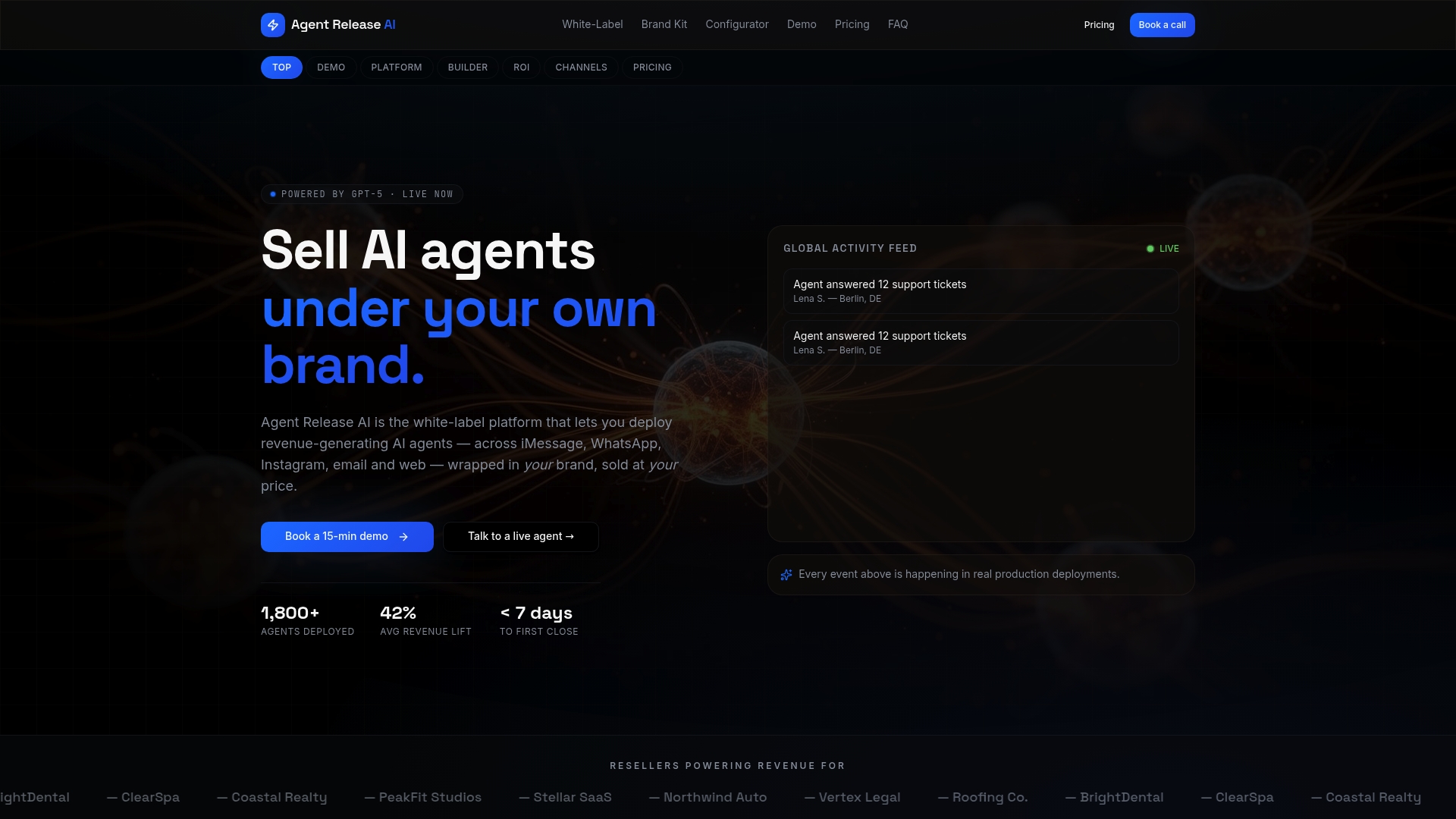
Before you pick any vendor, ask about deployment time, security controls, data ownership, tenant limits and the support you will receive. Our White-Label Program has more information, and the Agent Release AI plan is listed at 497 $ per month. Book a call and we will walk you through it.
FAQ
What is the best chatbot for a website?
The best option is the one matched to your job, not the most powerful model. For most sites, a scoped retrieval-based bot that answers from your own content gives the best balance of accuracy, cost and effort. Start with a single page and one clear task.
How can I build a website chatbot?
Define one job and one success metric, choose a pilot page, and prepare the content the bot may use. Pick an approach, usually retrieval, connect your data through server-side calls, then test with real questions. Roll out in stages and review transcripts weekly.
What should I not ask a chatbot?
Do not enter sensitive personal information, such as health details, government identifiers or financial account numbers, into a public chatbot. The OAIC advises against this. For anything high-stakes, ask a qualified professional.
Do website chatbots need to disclose that they are AI?
Yes, make it clear. The OAIC advises identifying public-facing AI tools as AI and updating your privacy notice before launch. Put the disclosure in the opening message and link to a short privacy summary.
How do I know whether my chatbot is working?
Track deflection rate, satisfaction scores, lead qualification and response speed against a baseline you set before launch. Read handoff transcripts weekly to find gaps. If the primary metric does not move after a few weeks, narrow the scope or fix the content before adding features.
Sources
- Guidance on privacy and the use of commercially available AI products | OAIC
- Preliminary Insights from a Chatbot Accessibility Playbook and Wizard-of-Oz Study - Submission for the WAI-CooP Project and the W3C APA symposium on Research and Development Questions in Digital Accessibility